




.svg)


Description
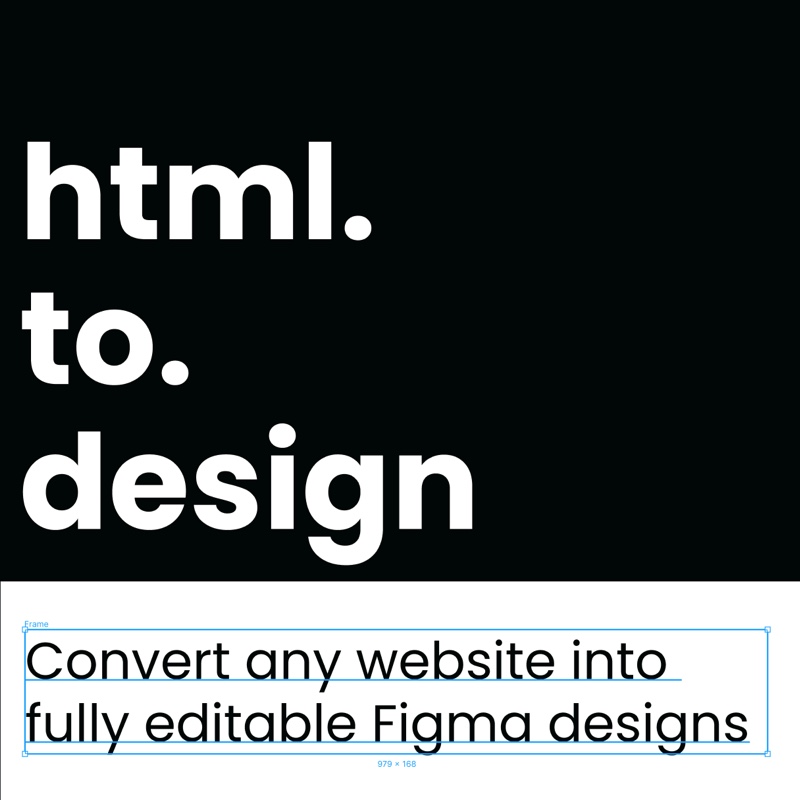
html.to.design is a Figma plugin and browser extension that converts any website into fully editable Figma designs. By pasting a URL into the plugin, designers and developers can import an entire webpage — complete with layouts, images, fonts, and styles — without recreating a single element from scratch. The tool is built on divRIOTS's exclusive code.to.design technology, which powers accurate HTML-to-Figma conversion with support for advanced auto layout, multiple viewports, and dark and light themes.
The plugin supports multiple import methods: importing directly via URL, using the companion Chrome extension to capture private or login-protected pages, pasting HTML and CSS code into the built-in editor, uploading .html, .htm, .zip, or email files, and connecting via MCP for AI-assisted design workflows with tools like Claude Desktop and Cursor. PRO users can also perform bulk imports from a list of URLs or multiple .h2d files at once, and use the one-click re-import shortcut for rapid iteration.
html.to.design automatically creates local Figma text and color styles from imported content, making extracted assets immediately usable in future design projects. Designers can use the plugin to redesign existing websites, benchmark competitors, prototype with hover effect variants, capture missing design assets, and collaborate directly in Figma over real editable content. The plugin works on all Chromium-based browsers including Chrome, Edge, Arc, Brave, Opera, and Vivaldi.
A free tier is available with up to 10 imports every 30 days and no sign-up required. The PRO plan unlocks unlimited imports (fair use up to 1,000/month), high-resolution image imports, bulk imports, re-import shortcuts, and premium support. A Pro for Teams plan adds a team management dashboard and enterprise-ready billing.
Use cases
- Importing an existing website into Figma to redesign it without rebuilding elements from scratch
- Capturing competitor websites in Figma for benchmarking and moodboarding without screenshots
- Converting private or login-protected webpages into editable Figma frames using the Chrome extension
- Importing HTML and CSS code directly into Figma via the built-in code editor
- Using AI tools via MCP to generate and send designs directly into Figma
- Scraping websites to extract missing design assets such as images, fonts, and color styles
- Importing webpages in multiple viewports to review desktop, tablet, and mobile designs simultaneously
- Importing webpages in both light and dark modes to compare theme variations in Figma
- Improving UX copy by loading an editable webpage into Figma and testing different text variations
- Enabling team collaboration on redesign projects by sharing editable imported pages in Figma
- Importing email files in .eml, .emlx, or .msg format into Figma for email design review
- Bootstrapping design work from AI-generated HTML output using the MCP connection feature


